




99 Adobe Illustrator Bristle & Stroke Brushes for Realistic Vector Art
-
 Instant Downloads

-
 Secure payments

Vector work has a tell. The strokes are too even, the ends too clean, and no matter how good the drawing underneath is, something in it reads as machine-made.
These 99 brushes are what I use to get rid of that tell. Bristle brushes that taper and separate the way a loaded brush actually does. Stroke brushes that run from smooth and controlled to genuinely coarse. All of it stays vector: fully editable, scalable to any size, sitting in your Brushes panel where you'd expect to find it.
Instant download. In your Brushes panel within minutes of purchase.
What's in the Set
Bristle Brushes
Painterly strokes with visible bristle separation and tapered ends, the marks a brush leaves when it's carrying real paint. The range runs from loaded and wet to nearly dry, so you can vary pressure and coverage across a single piece.
Stroke Brushes
The workhorses. Clean through to rough, thin through to broad. These are what you apply to a pen path when you want the line to have grit without redrawing it by hand.
What Are These Illustrator Brushes Good For?
Editorial illustration, children's book work, brush lettering, surface pattern design, branding and packaging. They're especially useful if you:
- Work in vector but want the output to look like a human made it
- Would rather build a library once than buy five small packs
- Need texture that survives being scaled from a business card to a billboard
- Hand files to clients who will open and edit them later
Compatibility
- App: Adobe Illustrator CC and later, desktop. Not compatible with Procreate, Photoshop, Affinity, or Inkscape
- Platform: macOS and Windows
- File format: .ai, and brushes load into your Brushes panel automatically on open
- Delivery: instant download, no waiting
How to Install
- Open the .ai file in Illustrator
- Open your Brushes panel: Window > Brushes
- The brushes load themselves, nothing to import
- Draw a path with the Pen, Pencil, or Paintbrush tool
- Click any brush to apply it to the selected path
One thing worth knowing: stroke weight rescales the brush. The same brush at 0.5pt and at 8pt gives you two genuinely different textures, which means the set is larger in practice than 99.
Licensing
Three options at checkout: Personal, Commercial, and Extended. Pick the one that matches how the finished work will be used, not how many brushes you'll touch. Full terms are in the FAQ.
Questions People Ask
Will these work in Affinity Designer or Inkscape?
No. They depend on Illustrator's brush engine, so opening the .ai file elsewhere gets you the artwork, not working brushes.
Does the texture stay sharp if I scale the artwork up?
Yes. Everything is vector, so a stroke enlarged ten times is as crisp as it was at original size.
Can I use these on work I sell?
Yes, with the Commercial or Extended license. The Personal license covers your own projects and portfolio.
Do I need Illustrator CC, or will an older version work?
Built and tested in Illustrator CC. I haven't tested older CS releases and can't promise they'll behave.
How is this different from your Textured Fineliner set?
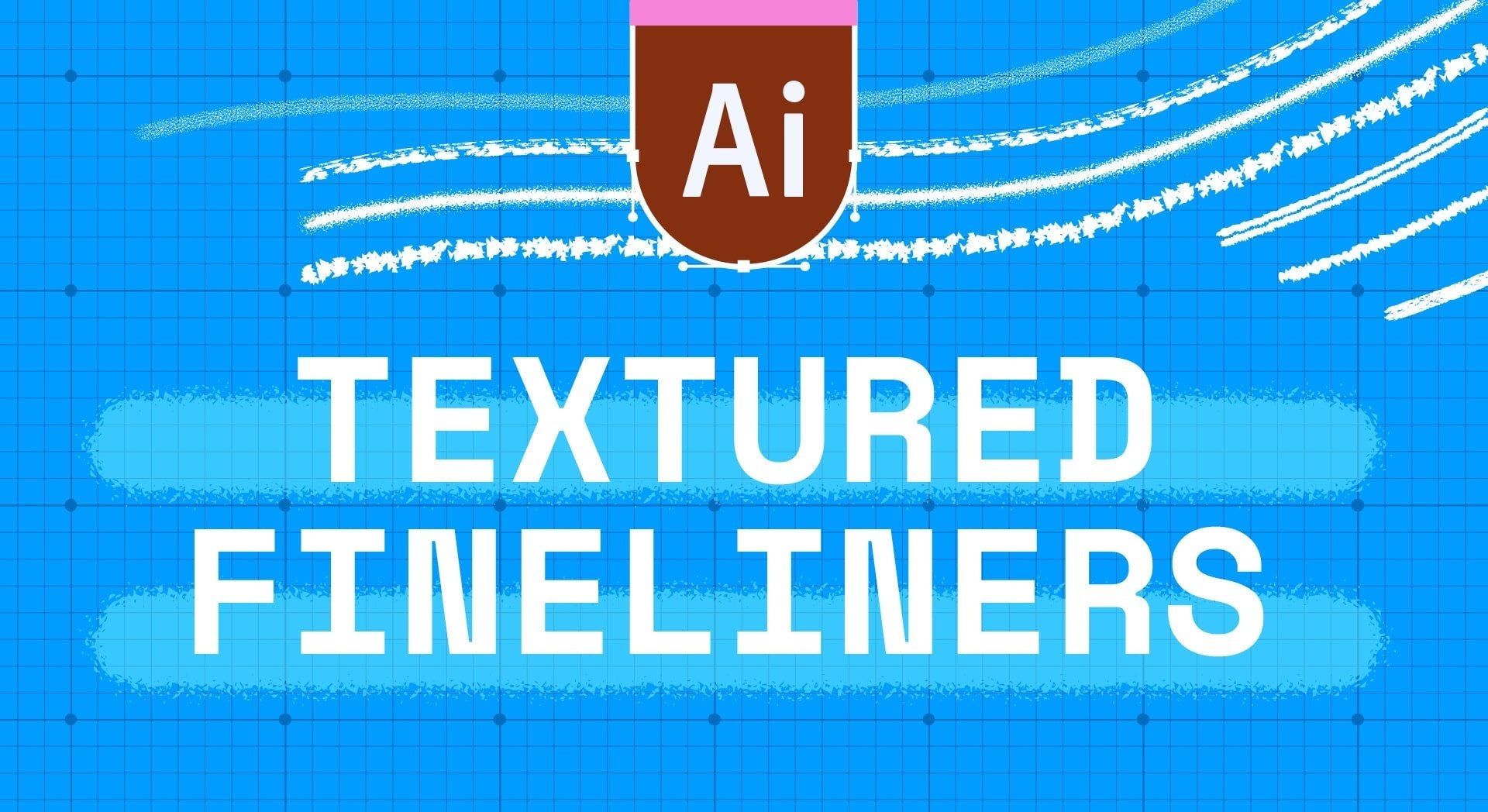
The Textured Fineliners are 15 brushes focused on line quality: pens, hatching, stippled edges. This set is broader and more painterly: bristle marks and expressive strokes for filling and mark-making, not just drawing lines.
Digital product. Instant download, nothing ships. All sales are final, but if a file won't open or a brush won't load, email me and I'll sort it out.
Handmade digital assets by Esther Nariyoshi


