




Color-Shifting Procreate Brushes | 42-Pack (Color Magic)
-
 Instant Downloads

-
 Secure payments

Most of the time you spend on color in Procreate isn't drawing. It's stopping to pick a darker shade for a shadow, a lighter one for a highlight, and tapping between the two. These 42 brushes do that part while you draw. Shaders build darker with every pass. Highlighters lift lighter. Dual-color brushes mix your primary and secondary colors inside the stroke. Tilt shaders read your Apple Pencil angle. Every behavior comes in six media, so the effect lands on a colored pencil, a crayon, an oil pastel, a fineliner, a paint brush, or a grain. Instant download.
What's in the Set (42 Brushes)
Seven color behaviors, each across six media:
- Standard. Natural texture brushes that behave like traditional media. Straightforward, reliable, realistic.
- Shader. Builds darker with each pass on the same layer. Shadows and depth without picking darker colors.
- Tilt Shader. Responds to your Apple Pencil angle. Tilt more and the stroke gets darker; draw upright and it stays light.
- Highlighter. The opposite of shader. Builds lighter with each pass.
- Internal Texture. Rich texture inside each stroke. Works especially well with crayons and grains.
- Color Shifts. Each stroke varies in brightness and saturation on its own. Flat areas come alive.
- Dual Colors. Blends your primary and secondary color within each stroke. No smudge tool needed.
The Media Types
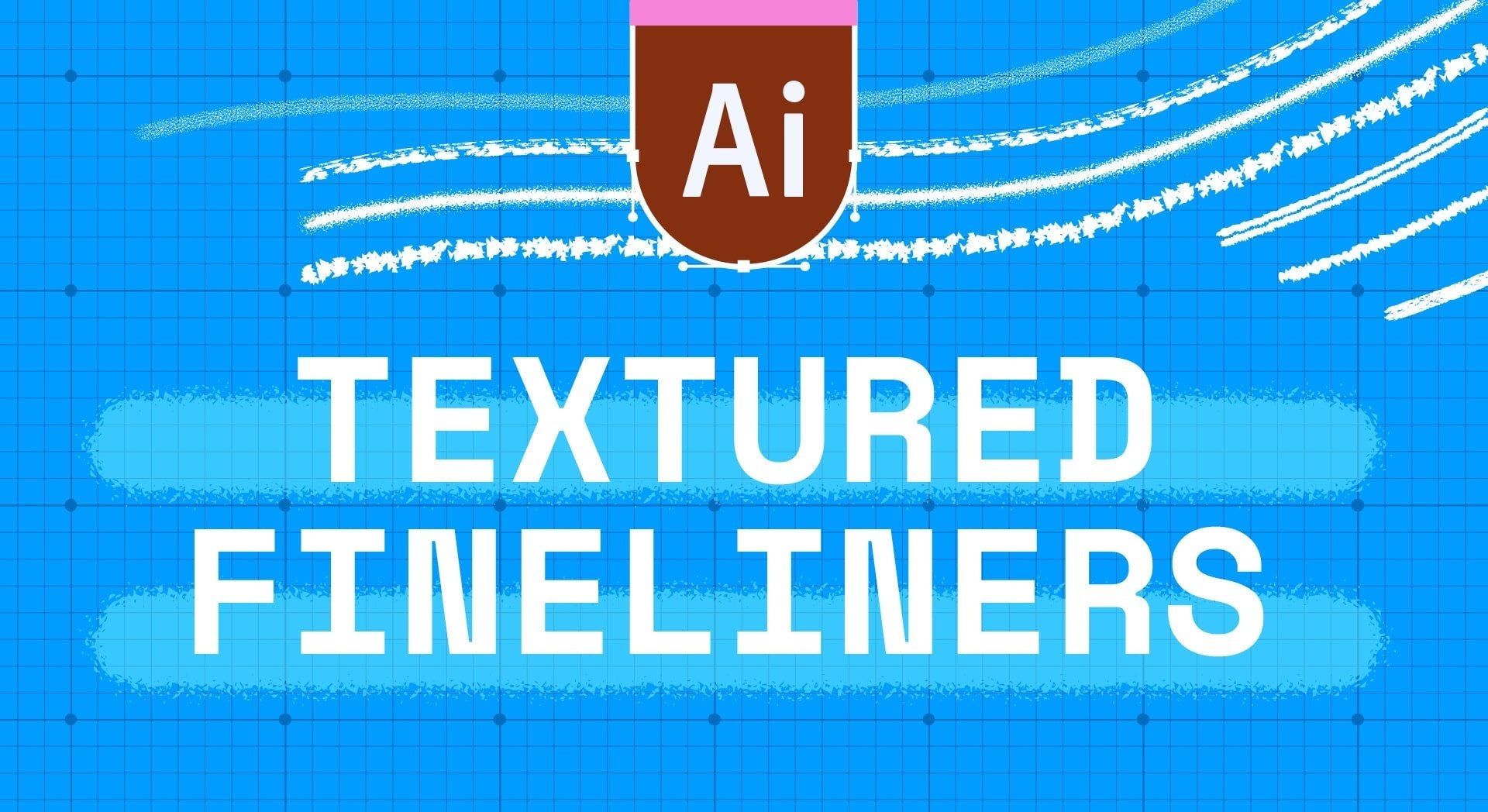
Fineliners, Colored Pencils, Crayons, Oil Pastels, Paint Brushes, Grains. Each texture starts from real media in my studio; the color behavior is built on top.
What Are These Brushes Good For?
Illustration where you build value by layering, concept art that needs fast shading, and anyone who finds themselves picking twenty colors for what is really one. They're especially useful if you:
- Shade by building up rather than painting flat and blending
- Want color variation inside a fill without doing it by hand
- Work fast and would rather not stop to sample
Compatibility
- App: Procreate on iPad. Not compatible with Procreate Pocket, Photoshop, or Illustrator
- Device: all iPad sizes
- Stylus: Apple Pencil required for the Tilt Shader brushes
- File format: .brushset, imports directly into Procreate
- Delivery: instant download
How to Install
- Download the .brushset file on your iPad
- Tap it, and Procreate opens and imports it automatically
- Find the new set at the top of your Brushes panel
Licensing
Three options at checkout: Personal, Commercial, and Extended. Personal covers practice, personal projects, portfolio pieces, and social media. Commercial adds client work and selling what you make, up to 5,000 units per design. Extended removes the unit cap, for large production runs, fabric collections, or licensing your art to manufacturers. Started with Personal? You can upgrade anytime by paying the difference. Full terms are in the FAQ.
Questions People Ask
How is this different from the Grain Texture 29-Pack?
Same idea, different scope. The Grain set is 29 grain-only brushes with shader, highlighter, and dual-color versions. This set applies those behaviors to six media, so you get the same tricks on a colored pencil or a paint brush, not just a grain. If you only want grain, buy that one. If you want the behaviors everywhere, this one.
Do the shaders work on any layer?
They build on the same layer. Draw the shadow area once for the base, then again over it to deepen. On a new layer each pass starts fresh.
Can I use these brushes in work I sell?
Yes, with the Commercial or Extended license, chosen at checkout. Personal covers your own projects and portfolio.
Do I need an Apple Pencil Pro?
No. Every brush works with any Apple Pencil. Apple Pencil Pro adds barrel roll on the sets that support it.
What if the file won't import?
Email me with your order number. Digital sales are final, but a file that doesn't work is on me, and I'll get you a working one.
Digital product. Instant download, nothing ships. All sales are final, but if a file won't open or a brush won't import, email me and I'll make it right.
About the Artist. Esther Nariyoshi is a published illustrator based in the U.S. Her work draws on the three cultures she has lived in, and the brushes in this store start as real media in her studio.
Handmade digital assets by Esther Nariyoshi


 Back to Procreate Brushes for Illustration


