


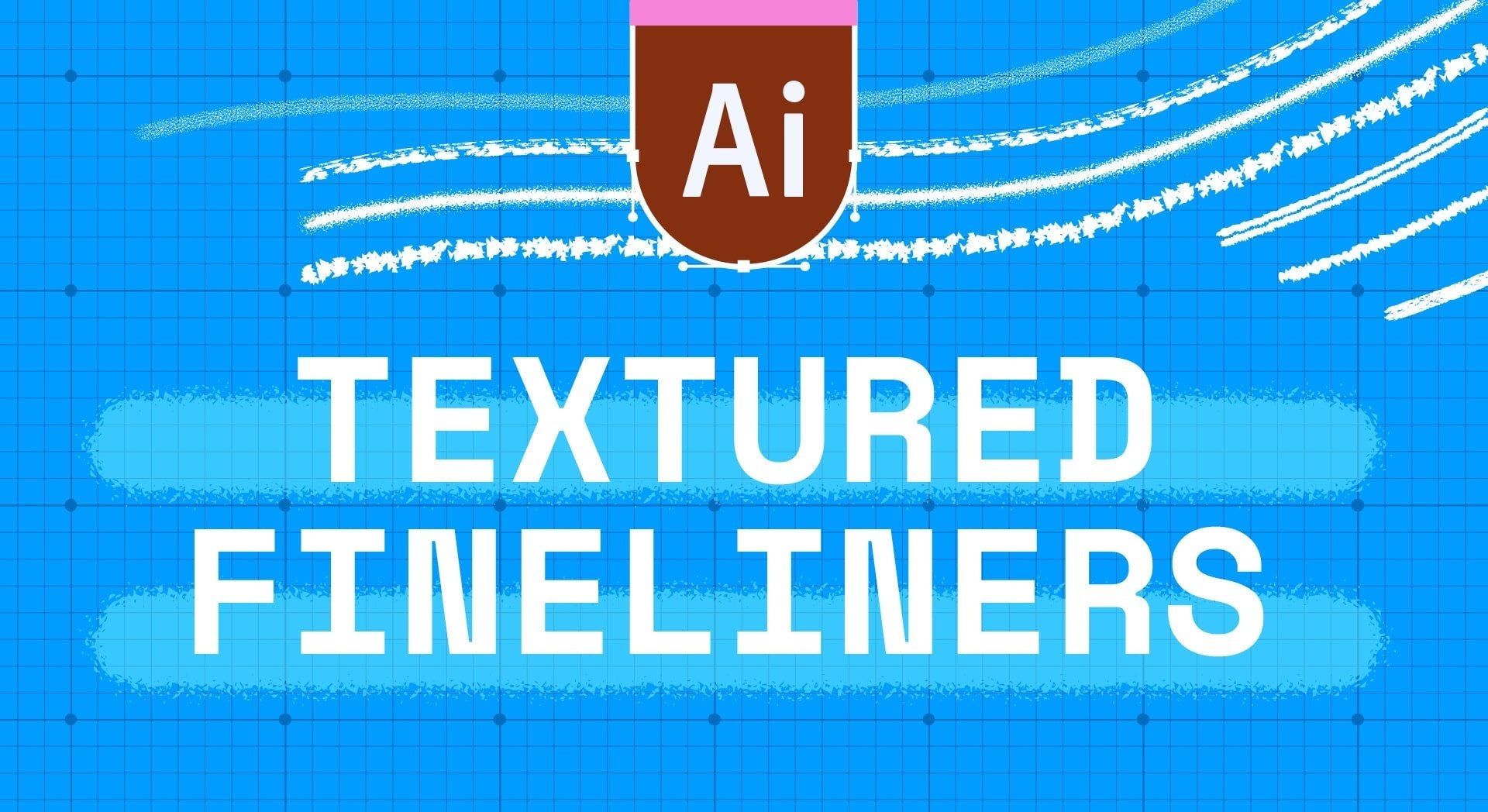


Organic Seamless Pattern Brushes for Adobe Illustrator | 20-Pack
-
 Instant Downloads

-
 Secure payments

A pattern brush earns its keep the moment you stop noticing where it repeats.
These 20 tile cleanly along any path you draw, straight or curved or a closed shape, with no visible seam and none of that awkward stretched tile at the corners. Draw the path, apply the brush, and keep moving. Reshape the path an hour later and the pattern redraws itself to fit.
Everything stays vector. Instant download.
What's in the Set
Twenty organic patterns: waves, stripes, checks, dots, stars, hatch marks, and looser abstract textures. They're drawn by hand rather than generated, which is why the repeat doesn't read as mechanical the way most seamless vector brushes do.
What Are These Illustrator Brushes Good For?
Surface pattern design, packaging, editorial borders and rules, textile mockups, backgrounds, and brand systems that need texture without a photograph. They're especially useful if you:
- Design repeating patterns and want to sketch options fast before committing
- Need borders and frames that follow a curve without breaking
- Build brand systems where every asset has to stay editable and scalable
- Want hand-drawn character in vector work without drawing every element
Compatibility
- App: Adobe Illustrator CC and later, desktop. Not compatible with Procreate, Photoshop, Affinity, or Inkscape
- Platform: macOS and Windows
- File format: .ai, and brushes load into your Brushes panel automatically on open
- Delivery: instant download, no waiting
How to Use Them
- Open the .ai file in Illustrator
- Open your Brushes panel: Window > Brushes
- Draw a path with the Pen, Pencil, or Paintbrush tool
- Click a brush to apply it to the selected path
- Change the stroke weight to scale the pattern up or down
One thing worth knowing: stroke weight is your scale control. The same brush at 1pt reads as fine texture and at 12pt as a bold graphic border, so twenty brushes cover a lot more ground than twenty.
Licensing
Three options at checkout: Personal, Commercial, and Extended. Pick the one that matches how the finished work will be used. Full terms are in the FAQ.
Questions People Ask
Do they really tile without seams on curves and corners?
Yes. They're built as Illustrator pattern brushes with corner tiles, so a rounded rectangle or a wavy path keeps the pattern continuous instead of pinching at the turns.
Is this the same set as your Procreate Organic Seamless brushes?
Same patterns, rebuilt for a different tool. The Procreate version paints raster strokes on iPad; this one is vector, editable after the fact, and scales without limit. If you work in both, they're designed to match.
Can I turn these into a repeating pattern swatch?
Yes. Apply a brush to a path, expand the appearance, and drag the result into your Swatches panel to build a full repeat.
Will the pattern stay sharp if I scale the artwork up?
Yes. Everything is vector, so a pattern enlarged for a billboard is as crisp as it was at postcard size.
Can I use these on products I sell?
Yes, with the Commercial or Extended license. The Personal license covers your own projects and portfolio.
Digital product. Instant download, nothing ships. All sales are final, but if a file won't open or a brush won't load, email me and I'll sort it out.
Handmade digital assets by Esther Nariyoshi


