


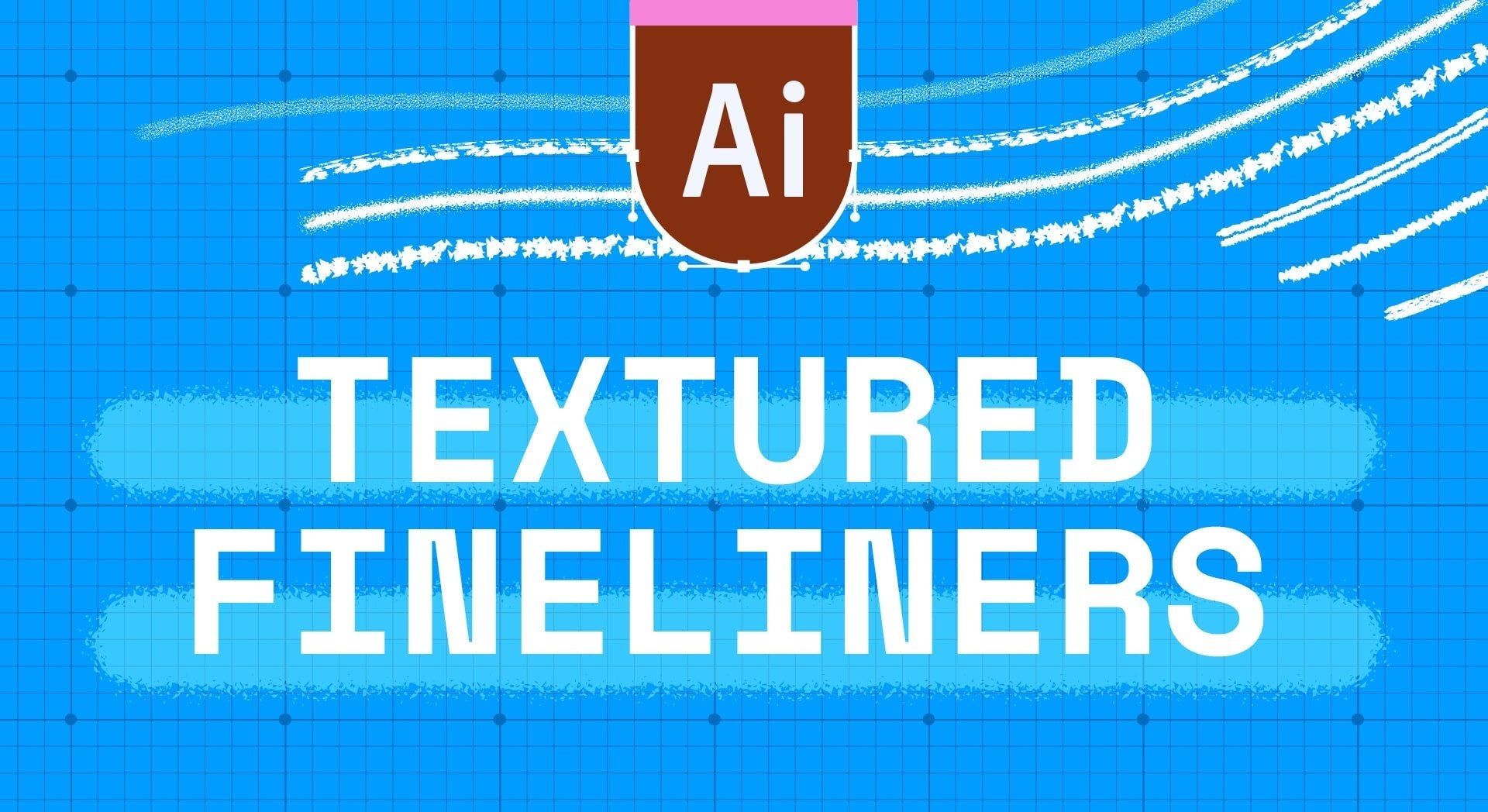


Adobe Illustrator Grains and Stippling Brushes set
-
 Instant Downloads

-
 Secure payments

10 vector brushes for adding grain and stipple textures to your Illustrator work.
Dotted textures, grainy shading, stippled effects. These brushes add depth and dimension to vector illustrations while keeping everything fully editable and scalable. From light grain to dense stippling, the set covers a range of intensities for building up texture and shadow.
Instant download after purchase.
What's Inside
- 10 grain and stippling brushes
- Light, medium, and dense options
- Fully vector and scalable
- Works in Adobe Illustrator
How the Brushes Work
Draw a path and the brush applies textured dots along the stroke. Different brushes give you different densities and patterns. Use lighter grains for subtle texture and denser stippling for shadows and depth. Layer multiple strokes to build up complex shading effects.
Brush Styles
The set includes a range of grain densities from sparse, airy dots to tight, concentrated stippling. Some brushes give you even distribution while others have more organic, irregular patterns. Good for mixing and matching to create depth and visual interest in your illustrations.
Who This Is For
Illustrators and designers who want textured shading in Adobe Illustrator without losing vector editability. Good for editorial illustration, logo work, packaging design, or anywhere you want that hand-stippled look in a scalable format. Saves hours compared to manually placing dots.
What You Need
- Adobe Illustrator (desktop version)
Why These Are Different
I made these because I was frustrated with generic stipple brushes that looked obviously digital. These have organic variation built in so your textures look hand-done, not computer-generated. The range of densities means you can create realistic shading and depth.
The Fine Print
This is a digital product. Instant download, nothing ships. Brushes are for Adobe Illustrator only (they won't work in Procreate or Photoshop). Purchases can't be refunded.
Questions? Check the FAQ.
Handmade digital assets by Esther Nariyoshi


